-
Make paying online safer, faster and easier with Click to Pay
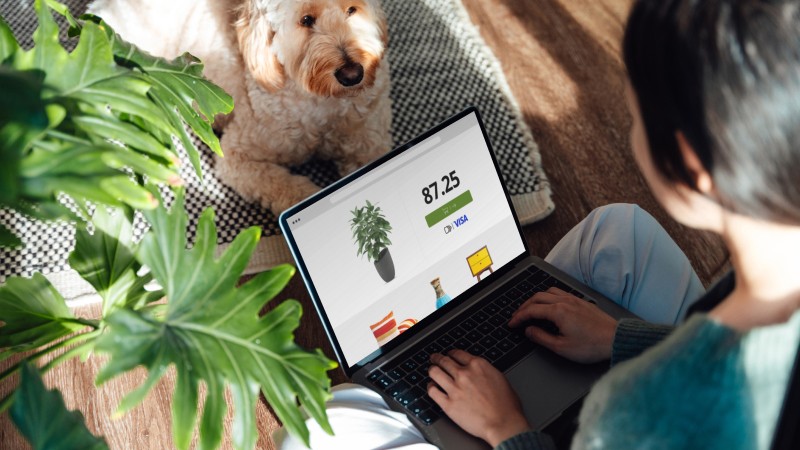
Click to Pay is like contactless, but online. There’s no need to enter card details at checkout while shopping online.

Skip the manual card entry at online checkout
Click to Pay makes buying online even easier. Forget the form fields, passwords and guest checkout experiences.
Look for the Icon
You can shop online, buying anything as long as there’s a Click to Pay icon. ¹
To use Visa's easy, smart and secure online checkout, you need to add your Visa card.
Your issuer may add your cards to your profile for you.
Enter Your Email or Mobile
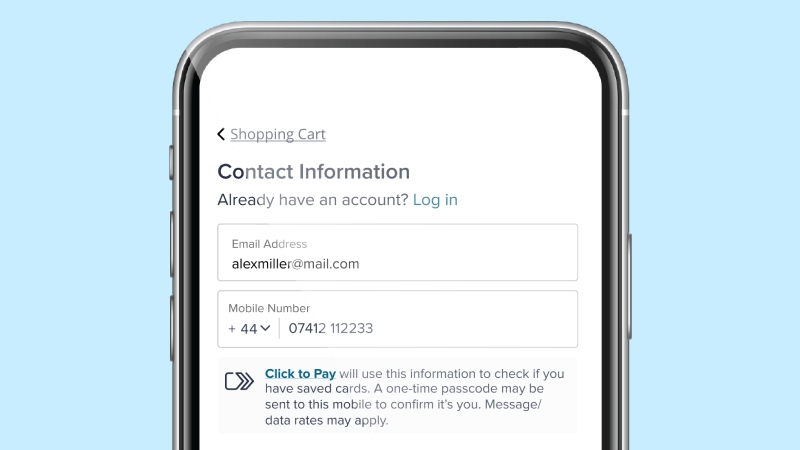
Provide your email address or mobile number at checkout to find your linked Click to Pay card(s).
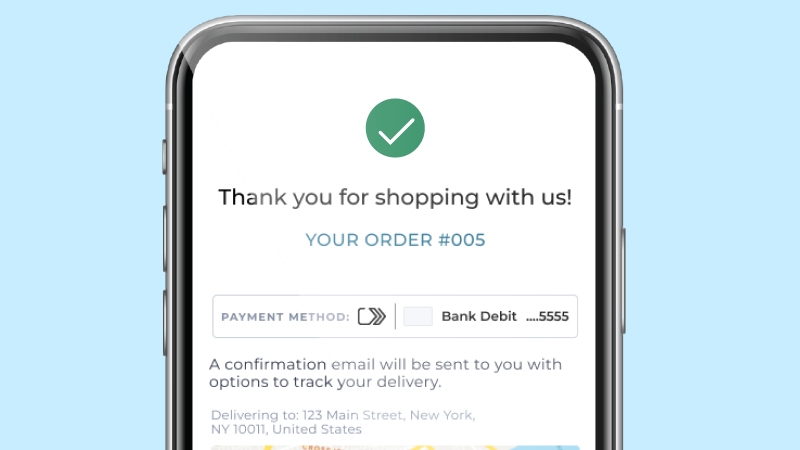
Complete Payment
Click to Pay makes your online checkout a fast and easy experience, giving you peace of mind as you complete your purchase.
Skip the Checkout Forms
With click to pay you can:
-
The future of digital commerce
Click to Pay is the effortless way to pay. Watch how your online checkouts can become easy, simple and convenient.
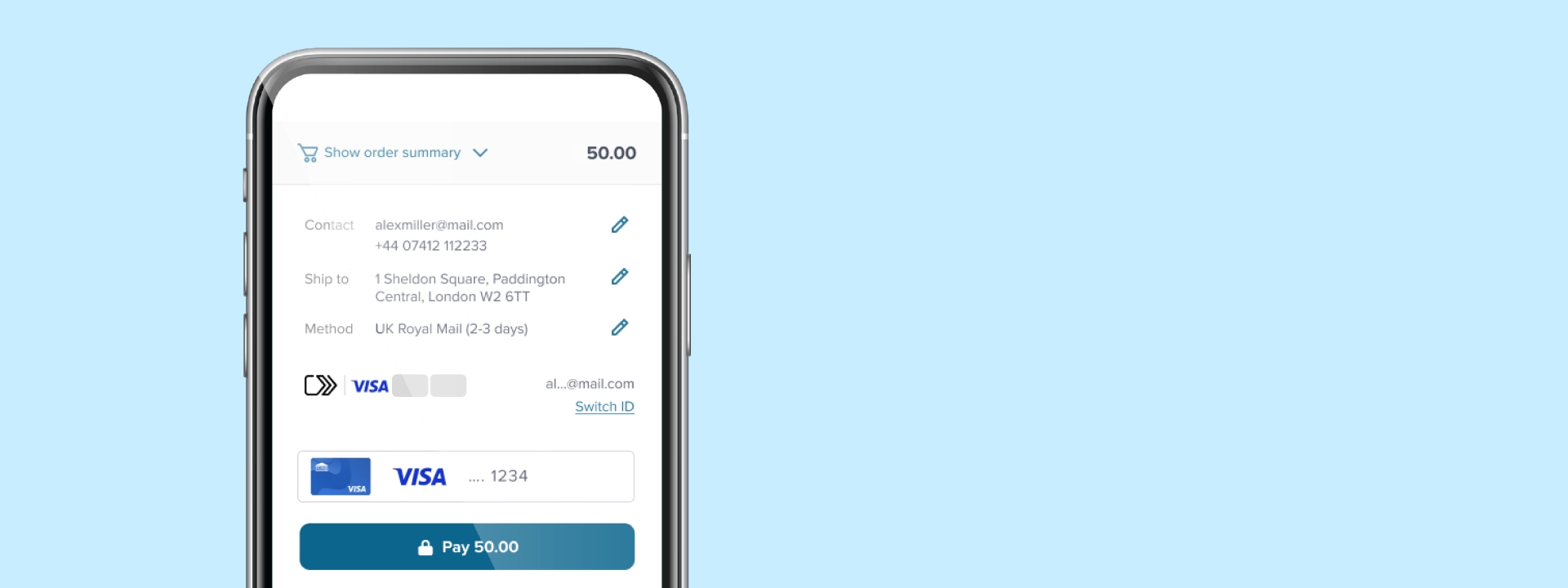
Answers for the rest of your questions
You probably have more questions and that’s okay. Here are the top questions we’re hearing and valuable information that will help you better understand how Click to Pay works.
-
-
Click to Pay is the new standard in online checkout. It is an easier, faster, and more secure way to shop online. With Click to Pay, you won’t have to manually enter card details to checkout.
Here’s how it works for your enrolled cards:
- Look for the Click to Pay icon during checkout
- Enter your email address
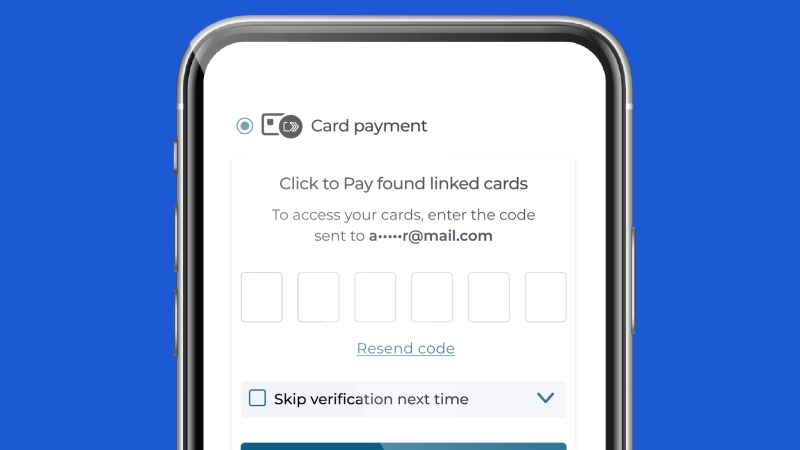
- Confirm your identity
- Choose the card to use
- Complete the purchase, that’s it!
-
-
You can enroll in Click to Pay through your participating bank, during checkout at a participating merchant or using Visa’s Click to Pay consumer portal.
-
-
Click to Pay is available at participating online merchants with more joining all the time. Look for the Click to Pay iconduring checkout.
-
-
In addition to your Visa cards, you can also conveniently save and use cards from Mastercard, Discover and American Express.
-
-
For more on how Visa collects, protects and shares your personal information, please see our Privacy Notice. Your bank will publish a relevant privacy notice if you enrolled in Click to Pay through your bank.
-
-
Visit Visa’s Click to Pay consumer portal to make eligible changes. If your cards were enrolled by your bank on your behalf (usually indicated by the Click to Pay icon on your card), please contact them for further assistance.
-
-
For security purposes, Visa may send a one-time code to you when you log into our consumer portal or when using Click to Pay during checkout. For easy access on your device the code may be sent to both your phone and email.
-
-
If your bank offers Click to Pay directly to you as part of your account terms and conditions with them, (look for the Click to Pay icon on your card) relevant details may be updated directly by your bank. Otherwise, you can manage your participation in Click to Pay at any time by visiting Visa’s Click to Pay consumer portal to manage, update or delete your Click to Pay profile or saved cards.
- EMV® is a registered trademark in the U.S. and other countries and an unregistered trademark elsewhere. The EMV trademark is owned by EMVCo, LLC.
The Click to Pay icon, consisting of a double sequential right-pointing chevron, is a trademark owned by and used with permission of EMVCo, LLC. - Timing and availability of certain features vary by market.
- Visa Cardholders must be enrolled in Click to Pay or their card needs to be registered.
UX is for illustrative purposes only and may vary by merchant.